
What Are SaaS Services? A Practical Guide to Software as a Service
On this page
Short answer
If you have used a web-based email inbox, project board, file-storage workspace or customer relationship management tool, you have probably used SaaS services. The name means software as a service. Instead of buying an application, installing it on each computer and maintaining the servers yourself, you access software that a provider hosts and operates for you.
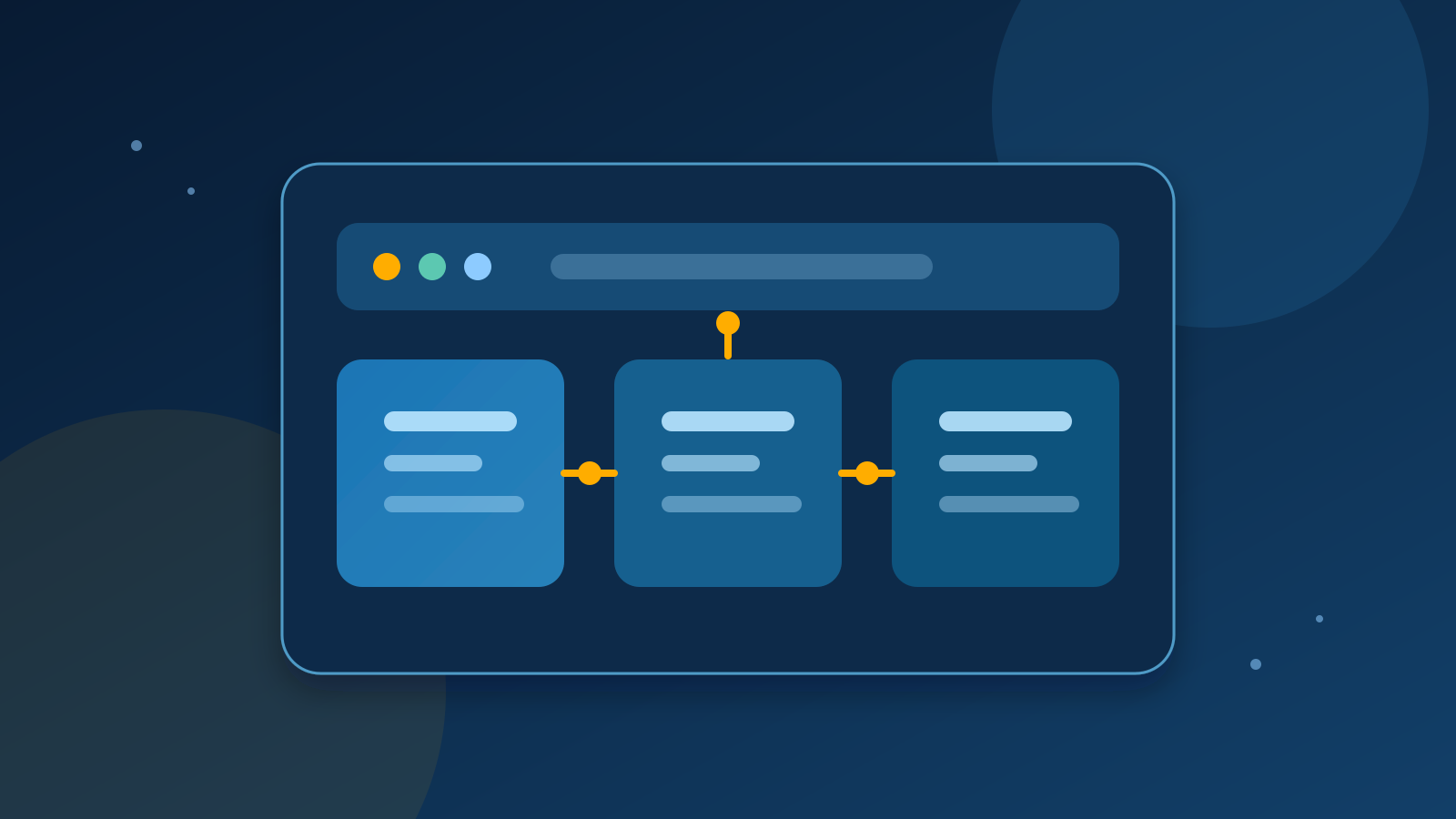
That simple change affects the whole buying decision. You are not only choosing features. You are choosing a service relationship, a data environment, a pricing model and a provider's approach to updates, security and support. This guide explains the SaaS definition in practical terms, shows how a SaaS platform works, and gives you a checklist for comparing SaaS products without confusing a polished demo with a good long-term fit.
SaaS definition: what the service actually includes
AWS describes SaaS as a cloud-based software model in which vendors host applications for on-demand access, normally through a browser. Microsoft Azure similarly defines SaaS as software accessed over the internet while the cloud provider manages infrastructure, security, maintenance and updates. IBM's explanation adds an important operational detail: the provider operates and maintains both the software and the infrastructure on which it runs.
In practical terms, a SaaS service usually has four parts:
- A hosted application. The provider runs the application in its own data center or cloud environment.
- An online access layer. You sign in through a browser, desktop client or mobile app that connects to the hosted service.
- Provider-managed operations. The provider is responsible for the application environment, releases and much of the underlying maintenance.
- A continuing commercial relationship. Access is commonly sold as a subscription or usage-based service rather than a single permanent software purchase.
The fourth point is common, not universal. The strongest definition is about how the software is delivered and operated. A monthly plan does not turn every website into SaaS, and a SaaS provider may offer more than one billing option.
How SaaS services work
With traditional on-premises software, an organization may buy licenses, provision servers, install the application, configure it and plan its own upgrades. With SaaS, the provider hosts the application and customers reach it over the internet. Microsoft explains that the provider's servers handle processing and data storage while the customer uses the application from an internet-connected device.
That does not mean the customer has no technical responsibilities. You still need to configure accounts, choose permissions, manage your own content and decide how the service fits your processes. You may also need to connect the service to other systems. The provider manages the shared service environment, but your team remains responsible for how people use it and what data you put into it.
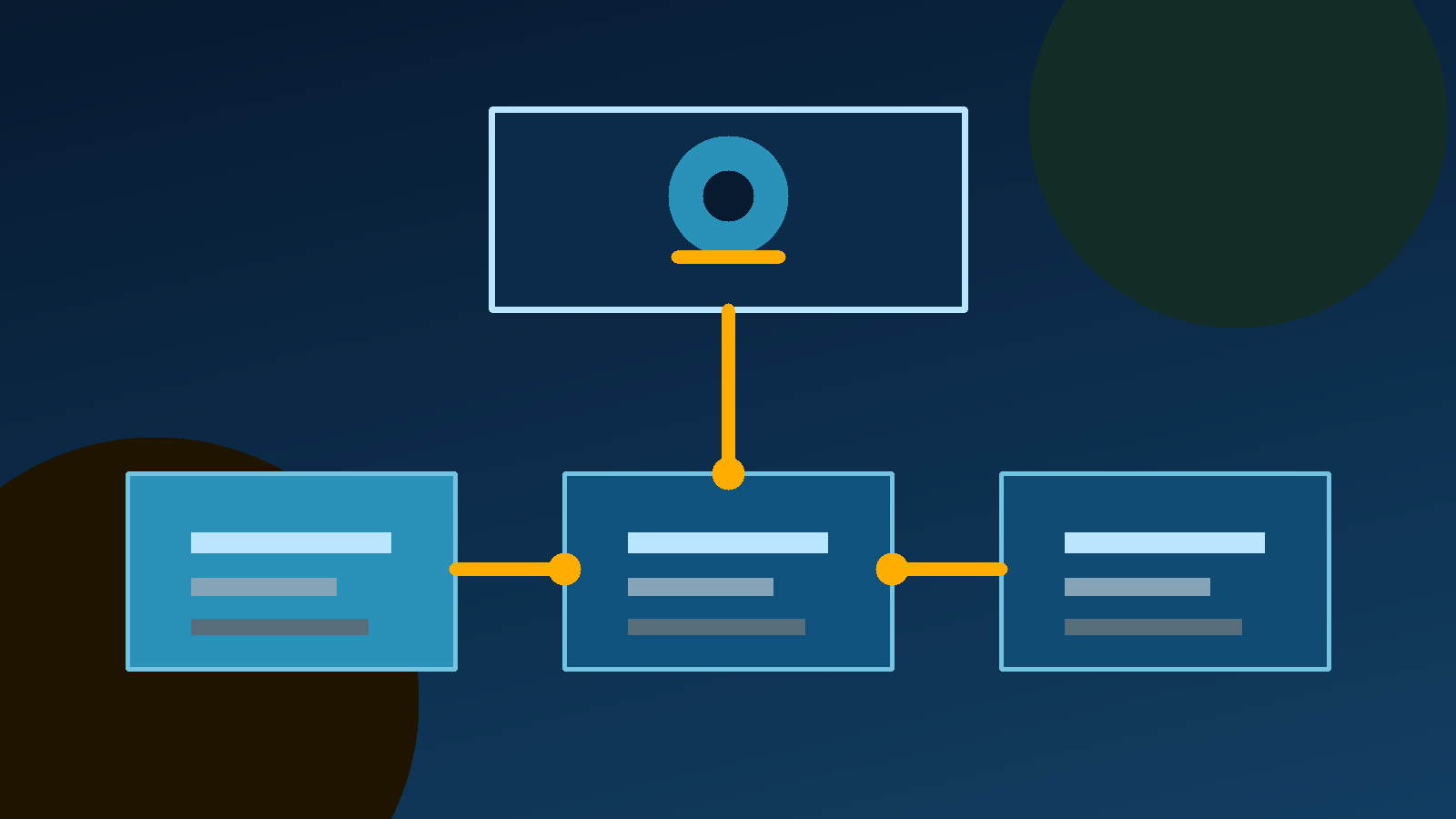
Many SaaS platforms use a multitenant architecture. IBM describes this as one application instance serving multiple tenants while separating each customer's data, configurations and user information. This model can help a provider operate a service efficiently, but it also makes the provider's access controls, isolation design and security documentation important parts of your evaluation.
SaaS examples by job to be done
The most useful way to understand SaaS examples is by the job they help a team perform:
- Communication and collaboration: web-based email, chat, video meetings and shared documents.
- Customer operations: customer relationship management, support desks and marketing automation.
- Work management: project planning, task tracking, knowledge bases and team calendars.
- Data and decisions: dashboards, analytics, reporting and business intelligence.
- Commerce and administration: invoicing, accounting, inventory and human resources systems.
- Developer work: hosted code repositories, issue tracking, deployment dashboards and observability tools.
These categories describe common use cases, not a quality ranking. A specialized SaaS product can be a better choice than a larger suite when the workflow is narrow and the data boundary is clear. Conversely, a broad SaaS platform may reduce the number of systems your team has to connect and administer.
Newly Stack is designed to help with this discovery stage. Use a directory to build a shortlist, then open the official product, documentation and pricing pages before making a decision. A directory entry is a starting point, not a substitute for checking the provider's current terms.
Benefits of SaaS products
Faster access with less local setup
A browser-based service can remove much of the installation and configuration work required by on-premises software. AWS lists rapid deployment as a SaaS benefit because customers can roll out access after the subscription begins, rather than preparing every local machine first.
Lower upfront infrastructure work
SaaS can reduce the need to purchase servers and allocate internal capacity for application maintenance. Microsoft and Salesforce both describe reduced infrastructure and maintenance demands as central advantages of the model. That does not automatically mean a lower total cost. It means more of the cost is attached to the service relationship instead of a large initial deployment.
Easier access for distributed teams
Because the application is reached over the internet, a SaaS service can support people working from different locations and devices. Access still depends on connectivity, supported browsers or apps, account security and the provider's availability. Mobility is useful only when those foundations are reliable.
Scaling that follows demand
AWS and Microsoft both describe SaaS as scalable. A team may be able to add users, storage or capabilities through a plan change instead of redesigning its local infrastructure. Before assuming this will be simple, check how pricing changes at each step and whether a higher tier removes an export, integration or permission that your team needs.
Provider-managed updates
SaaS providers generally release updates and security fixes in the hosted environment. This reduces the need for each customer to run its own upgrade project. It also means you have less control over timing and compatibility. Read release notes, change-management policies and support documentation when a workflow depends on stable behavior.
Trade-offs that belong in the same conversation
SaaS is not risk-free or automatically cheaper. You depend on the provider's availability, security practices, support quality and business continuity. If the provider changes its plan, removes a feature or closes the service, your team needs a realistic response.
Ask these questions before committing:
- Can you export your data in a usable format?
- Can you delete data and accounts when the relationship ends?
- Which roles can view, change or export sensitive information?
- Does the service support single sign-on or multifactor authentication where you need it?
- Which integrations are official, and what happens if an API limit changes?
- What support response and service commitments are written into the plan?
- Will the price still make sense when the number of users, records or automations grows?
- Can you test the workflow with non-sensitive data before a full rollout?
Treat these as selection criteria, not paperwork to complete after the purchase. The best SaaS platform is the one that solves the target problem while leaving your team with a clear exit path.
SaaS vs PaaS vs IaaS
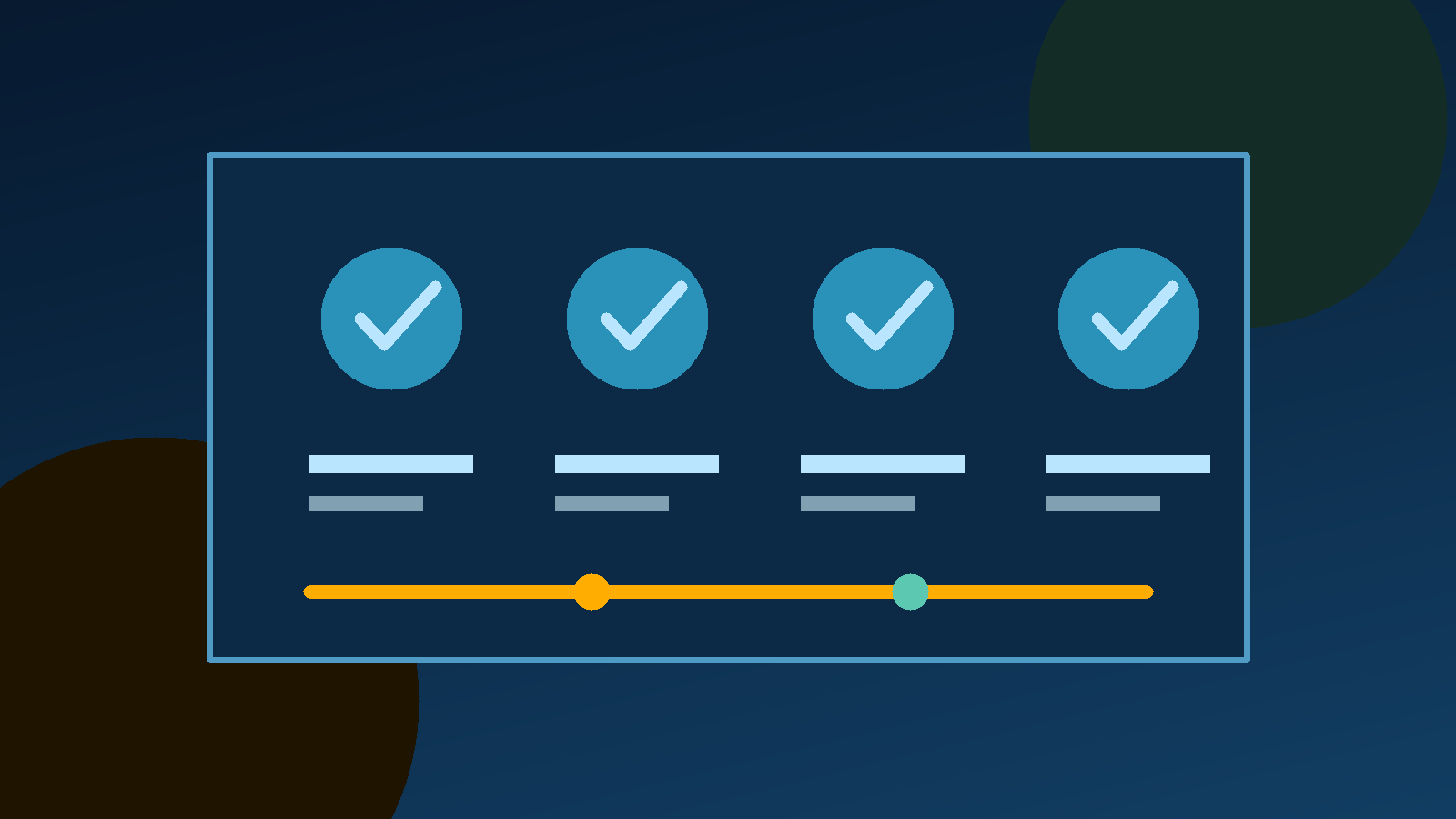
The three labels describe different levels of responsibility. SaaS gives customers a finished application to use. Platform as a service, or PaaS, gives developers a managed environment for building and deploying applications. Infrastructure as a service, or IaaS, provides configurable computing, storage and networking resources that the customer manages at a lower level.
AWS uses these traditional service groups to explain cloud deployment choices. The practical test is simple: the further down the stack you go, the more configuration and operational responsibility your team usually takes on. Choose SaaS when the goal is to use a business capability. Consider PaaS or IaaS when building or operating the capability is itself part of the goal.
A practical way to compare SaaS services
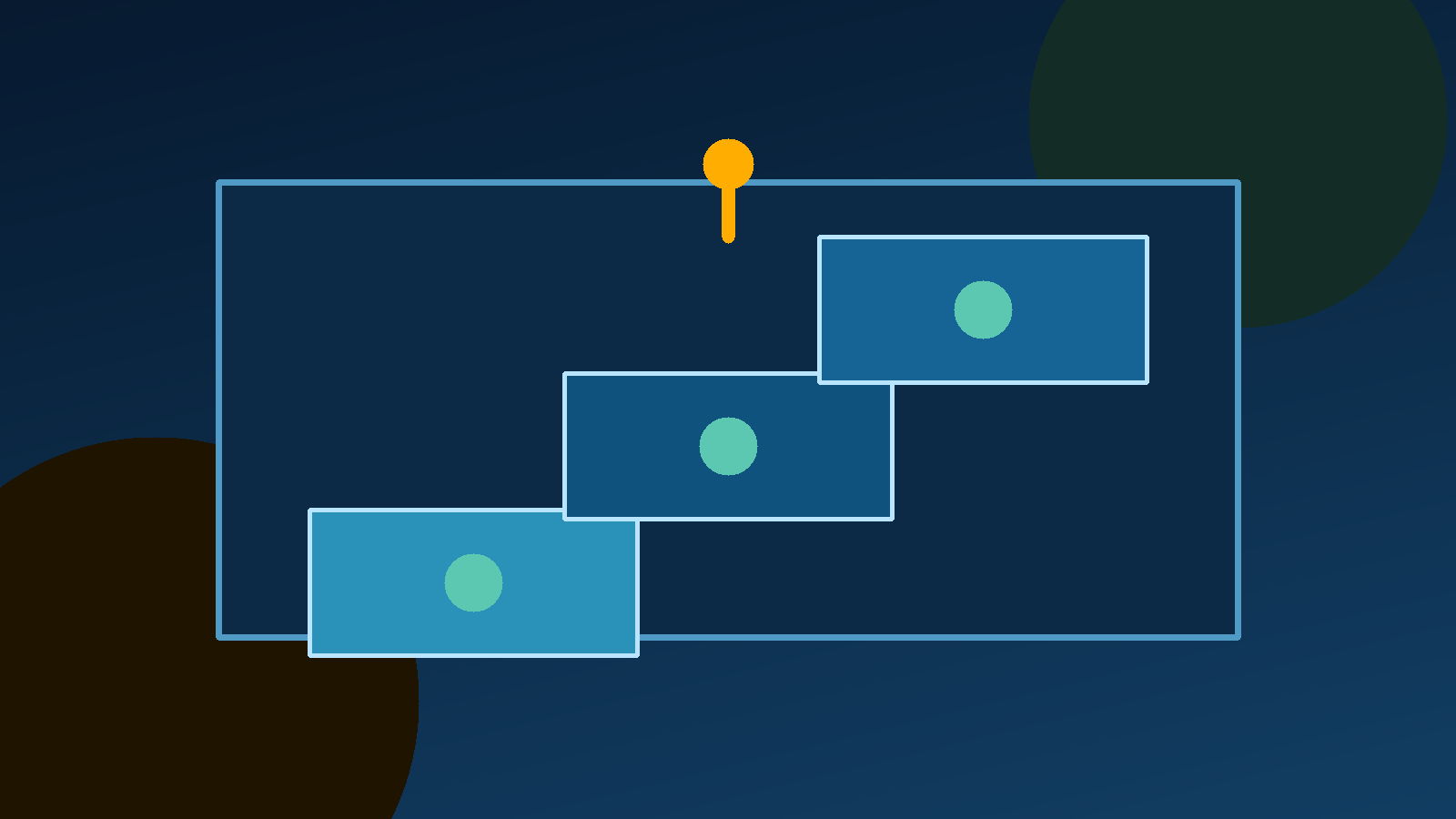
Start with one written job statement, such as "help a five-person team track customer requests from intake to resolution." Then compare only the capabilities that support that job. Record the official product page, documentation, pricing page and access date for every shortlisted service.
Next, run a small trial. Use a representative workflow, test the permissions that different roles need, export a sample of the data and measure how much manual work remains. Do not place sensitive customer or financial data into a trial until you understand the provider's terms and controls.
Finally, score the shortlist across five dimensions: fit for the workflow, data control, integration effort, operating cost and reversibility. A product can win on features and still lose when its data cannot be exported or when the required plan is too expensive at your expected scale.
The short answer
SaaS services are provider-hosted software applications that customers access online. The model can make deployment, collaboration and scaling easier because the provider operates the shared application environment. It also creates dependence on a vendor, so security, data export, support and long-term pricing deserve the same attention as the feature list.
Use the SaaS definition to narrow the category, use official sources to verify each claim, and use a small trial to test the real workflow. That is a more reliable path to a SaaS product decision than choosing from a feature grid alone.
Frequently asked questions
What are SaaS services?
SaaS services are software applications hosted by a provider and accessed by customers over the internet, usually through a browser or app. The provider operates the application and its underlying infrastructure, while the customer uses the service rather than installing and maintaining the software locally.
Is every web app a SaaS product?
No. A web app is an interface and delivery method, while SaaS describes a provider-hosted software service used by customers. A public website or a one-off internal tool may be delivered through the web without being a commercial SaaS product.
What are common SaaS examples?
Common examples include web-based email, collaboration tools, customer relationship management systems, file storage, project management products and analytics platforms. The defining detail is not the category. It is that the provider hosts and maintains the application for customers to access online.
What is the main benefit of SaaS?
The main benefit is reduced local software management. Customers can access the application online while the provider handles much of the infrastructure, maintenance and updates. SaaS can also reduce upfront costs and make it easier to add users or capacity, but the contract, security and long-term cost still need review.
What should I check before choosing SaaS services?
Check the job to be done, data ownership and export options, access controls, integrations, support, service commitments, pricing at your expected scale and the provider's security documentation. Start with a limited trial and define how you will leave before putting important data into the service.
Sources
Pages we read for this article, with the date we accessed each one.
- What is SaaS (Software as a Service)?, AWSaccessed October 29, 2026
- What is software as a service (SaaS)?, Microsoft Azureaccessed October 29, 2026
- What is software as a service (SaaS)?, IBMaccessed October 29, 2026
- What is SaaS (Software as a Service)?, Salesforceaccessed October 29, 2026
Related articles
AI Agents Examples: 20 Agents by Type, With Sources (2026)
AI agents examples by type: classic agents, everyday assistants, coding agents and workflow agents, with official sources and prices checked 2026-10-25.
Artificial Intelligence Companies in 2026: Who Builds What
The artificial intelligence companies that matter in 2026: model labs, chip makers and challengers, with dated plan prices, Indonesian support and sources.
Opensource AI: A Practical Guide to Models and Licenses
Opensource AI is more than downloadable weights. Learn how licenses, data information, code, parameters, and deployment choices shape real use.